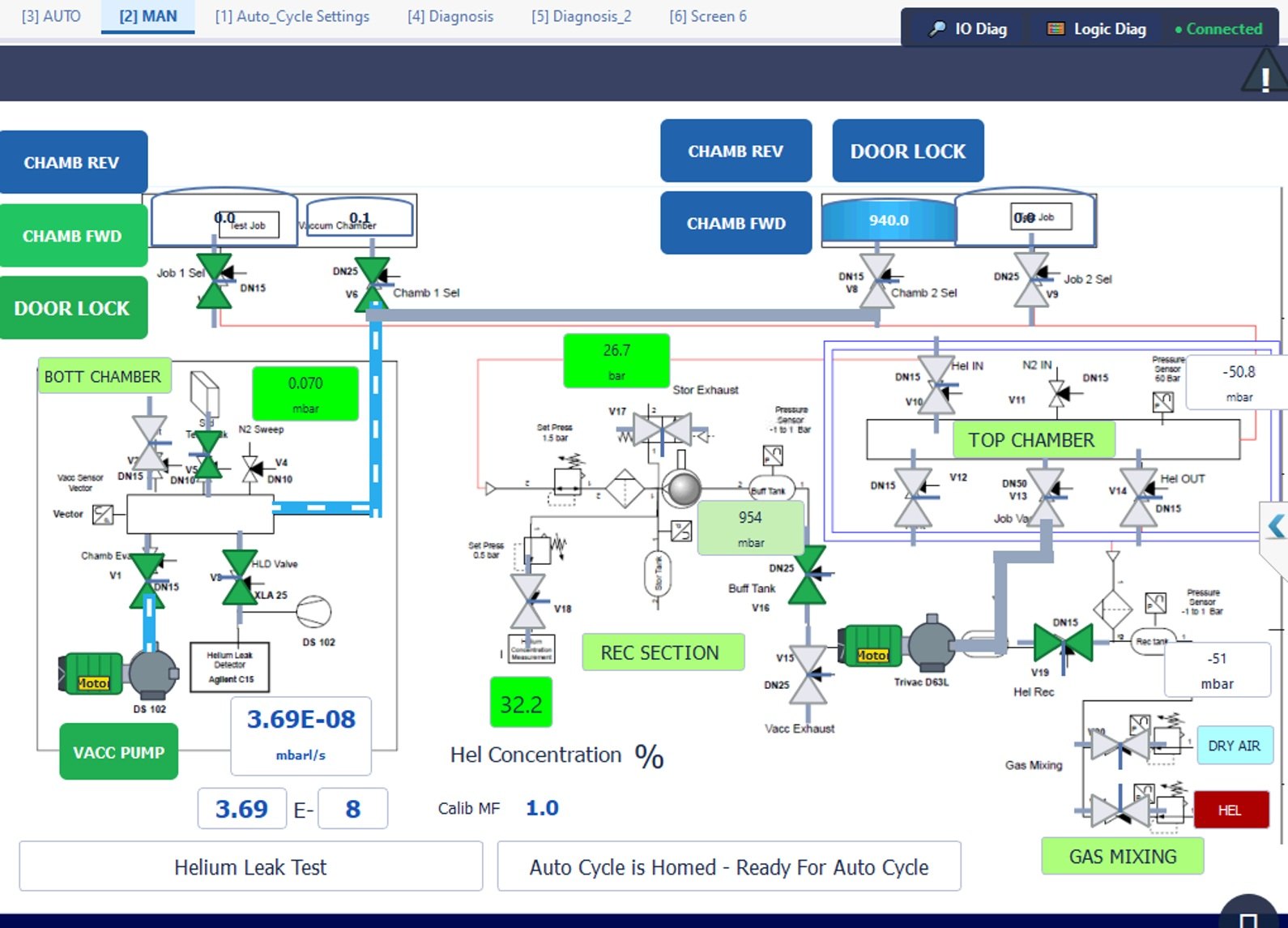
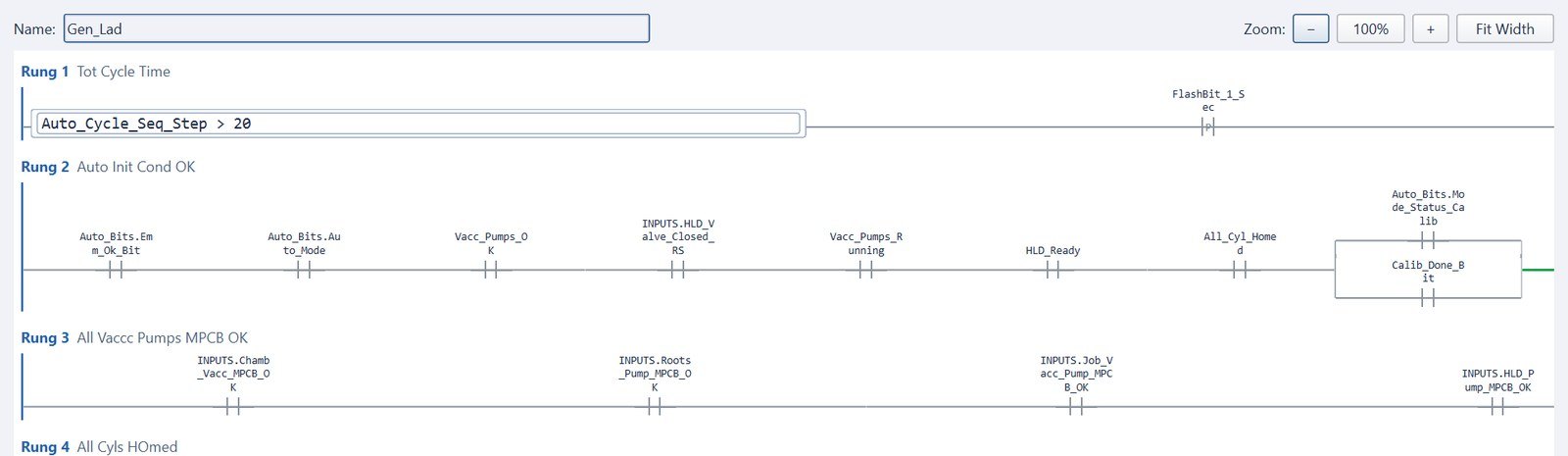
You have a Mitsubishi MELSEC PLC and need screens for it. You can stay with Mitsubishi's own GOT panels, run GOT software on a PC, buy a full SCADA package, or use a vendor-neutral HMI that talks SLMP. Here's how to choose, and how to set up the connection in GX Works3.
Your four options
| Option | What it is | Good fit when… |
|---|---|---|
| GOT panel + GT Designer3 | Mitsubishi's own touch panels (GOT2000 / GOT3000), designed with GT Designer3, part of the GT Works3 package. | You want an all-Mitsubishi cabinet and the plant's maintenance team already knows GOT. |
| GT SoftGOT | Mitsubishi software that runs GOT functions on a PC or panel PC. | You want GOT-style screens on a bigger PC display. |
| PC SCADA package | Line or plant SCADA with a Mitsubishi driver. | You're supervising many machines from a control room. |
| Vendor-neutral HMI | An HMI/SCADA that talks to MELSEC over SLMP — and to Siemens, Allen-Bradley and Modbus devices in the same project. | Your plant mixes brands, or the machine needs scanners, databases and reports on the same screen. |
How a third-party HMI talks to a MELSEC PLC
Modern Ethernet-based MELSEC CPUs speak SLMP (SeamLess Message Protocol), Mitsubishi's open messaging protocol. An HMI uses it to read and write PLC devices such as D100, M0, X10 or Y20. Older FX3 systems with an Ethernet adapter use the older MC protocol framing instead, so check your CPU before choosing software.
The important point: the HMI is a client, and the PLC only answers on connections you've opened for it in the PLC parameters. If you skip that step, the HMI sees "connection refused" no matter how carefully you set up the IP address.
Setting up an SLMP connection on an iQ-F (FX5) in GX Works3
- Open the project and go to Parameter → FX5UCPU → Module Parameter → Ethernet Port. Set and note the PLC's IP address and subnet mask.
- Under External Device Configuration, open the Ethernet Configuration window.
- From Ethernet Device (General), drag an SLMP Connection Module into the list.
- Set Protocol = TCP and choose a Port No. Use the same port in your HMI's connection settings.
- Click Close with Reflecting the Setting, then Online → Write to PLC and power-cycle or reset the CPU so the parameters take effect.
Getting your tags across: labels vs devices
GX Works3 encourages labels (named variables). An SLMP client reads devices (addresses). Bridge the two like this:
- For every value the HMI needs, assign a device to the global label (e.g.
Tank1_Level→D200). Labels with automatically allocated addresses can move when you rebuild, and your HMI would silently read the wrong thing. - Export the global label list from GX Works3 and import it into the HMI, so you don't retype hundreds of tags.
- Watch data types: a
REALorDINTtakes two consecutive words (e.g.D200–D201). Leave gaps accordingly and don't overlap. - Keep HMI command bits (start, stop, reset) in their own block of
Mdevices so it's obvious which bits the screen writes.
How to choose: a quick checklist
- Is the plant single-brand or mixed? Mixed plants benefit from one HMI standard across Siemens, Allen-Bradley and Mitsubishi.
- What else is on the machine? Barcode scanners, torque controllers, SQL databases and PDF reports are easier on a PC-based HMI.
- Screen size and hardware: a dedicated panel, or an industrial panel PC?
- Licensing: per panel, per PC, per tag count? Count the runtime licences for every machine you'll ship.
- Future plans: will this machine always need the PLC, or might the logic move onto the HMI PC later?
Logivyx as a neutral HMI for MELSEC
Logivyx runs as a vendor-neutral HMI/SCADA on top of your existing PLC — no change to the PLC program. For Mitsubishi it supports:
- MELSEC iQ-F (FX5) and SLMP-capable CPUs over SLMP on Ethernet
- Tag import from a GX Works3 Global Label XML export, or CSV
- Device addressing such as
D,M,X,Y - In the same project: Modbus TCP/RTU, OPC UA, EtherNet/IP, Siemens S7, Allen-Bradley Logix and ASCII/raw TCP devices like barcode scanners
- 30+ widgets, alarms, SQLite logging, recipes, PDF batch reports and an OPC UA server for MES
It's in production on a five-station hose assembly line: eight Keyence barcode scanners, a Modbus TCP torque controller and a biometric attendance database on one Logivyx panel above an existing MELSEC iQ-F. And when you're ready, you can move the logic into Logivyx's embedded soft PLC and drop the separate controller.
More detail: Neutral HMI for Siemens, Allen-Bradley & Mitsubishi.
Try it on your own project.
Design screens, write Ladder or Structured Text, and run both on the built-in simulator — or connect to your own Siemens, Allen-Bradley or Mitsubishi PLC. No separate PLC needed.